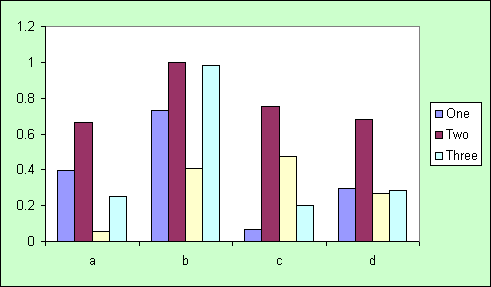
With charting it is sometimes
necessary to use additional data series in order to achieve the effect
in a chart you want. Unfortunately these extra data series can create
unwanted legend entries.
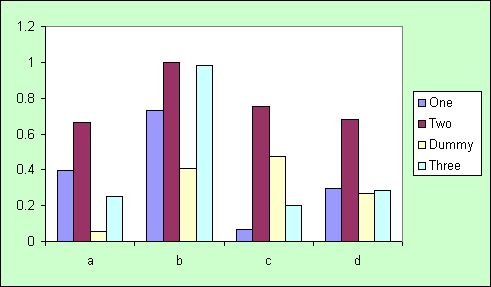
This simple chart contains a series,
called Dummy, that we require in the chart but not in the legend.
|
|
|
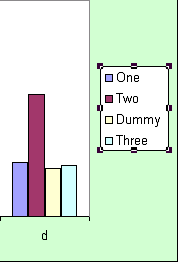
The first step to removing the
Dummy legend entry is to select the legend with a single
mouse click
|
 |
Then with another single click
you can select the legend entry. You can now use the delete key
to remove the entry
|
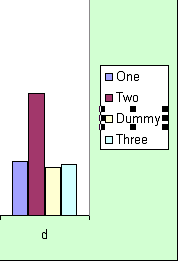 |
Warning
Make sure you DO NOT select the
legend marker as deleting this will remove the data from the
chart as well
|
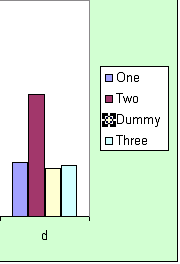 |
We should now have a chart with
the legend only containing the information we want.
|
|
 AJP Excel Information