| |
| |
|
| |
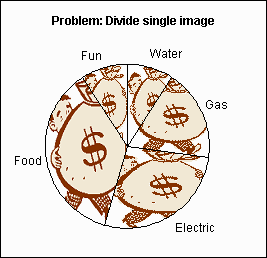
When using a picture as the fill
effect on a normal pie chart each pie segment contains a copy of the
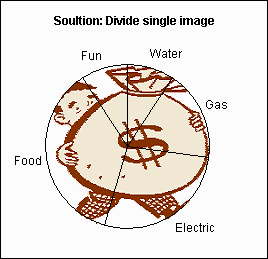
image. One way around this is to use the fill effect for the plot area.
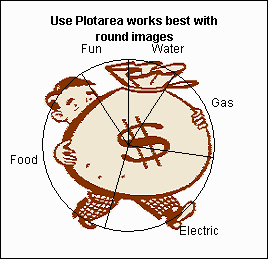
This works well for images based on round objects, but it can leave
parts of the image sticking out of the pie.
My example uses two pie charts,
within the same chart object. One pie displays the image the other
displays the segments.
The
workbook contains a step by step explanation of the chart
construction.
|
| |
|
|
|
|

 AJP Excel Information