


Selecting chart elements using the cursor keys
You can use the cursor keys to cycle through the elements in a chart. The up and down keys move through the main elements whilst the left and right can be used to move through the items in a element.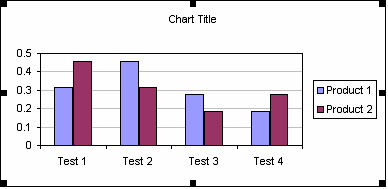
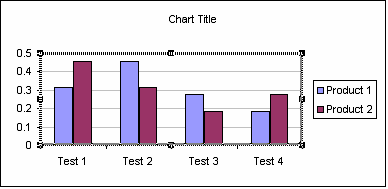
Plot area
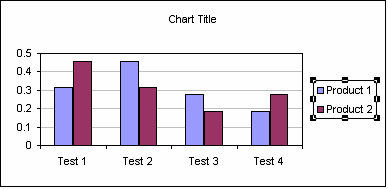
Legend
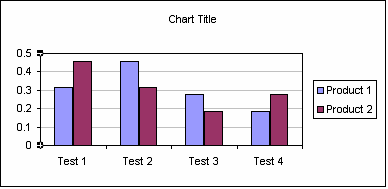
Value axis
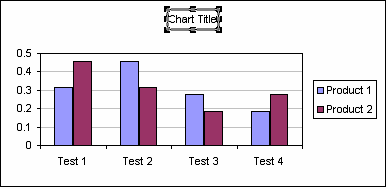
Chart Title
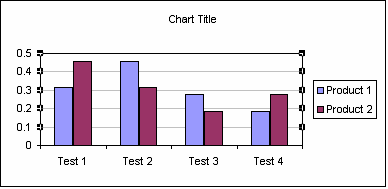
Major gridlines
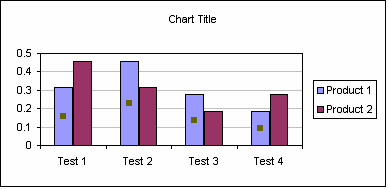
Data Series
With an element selected use of the right arrow would then select an item within that element...
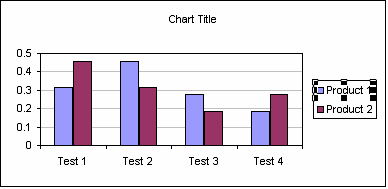
From Legend to Legend
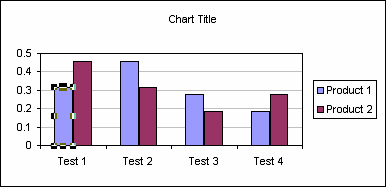
From Data Series to Data Point
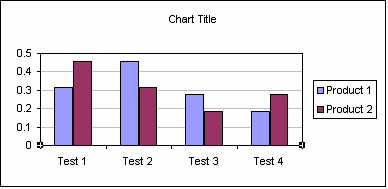
From Value axis to Category axis
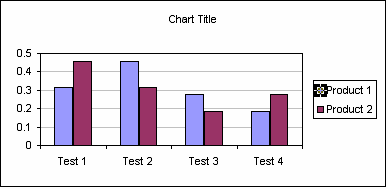
From Legend Entry to Legend Marker
Created 28th April 2012
Last updated 5th August 2014











