


Changing name of embedded chart
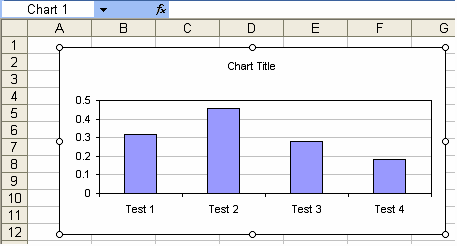
You can manually change the name of a embedded chart via the Name box. Although to get this to contain the charts name you have to select the chart as an object rather than have the chart selected. Hold the Shift key whilst selecting the chart. Notice that the subtle different in selection is denoted by the colour of the selection handles. They are white instead of the normal black. The current chart name is now displayed in the Name box and can be edited.There is a 32 character limit on the name when entering via the name box
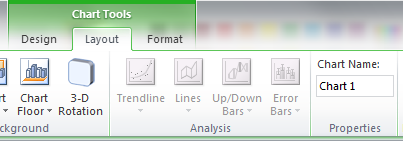
In xl2007 and xl2010 the ribbon offers a more direct way to change the chart name via the Chart Name textbox in the Properties group of the Layout contextual tab of Chart Tools.
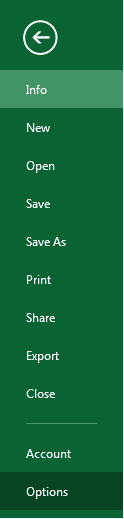
In xl2013 then chart name box was removed from the ribbon but can still be added back by customising the ribbon via the File tab and the Options button on the Backstage view.
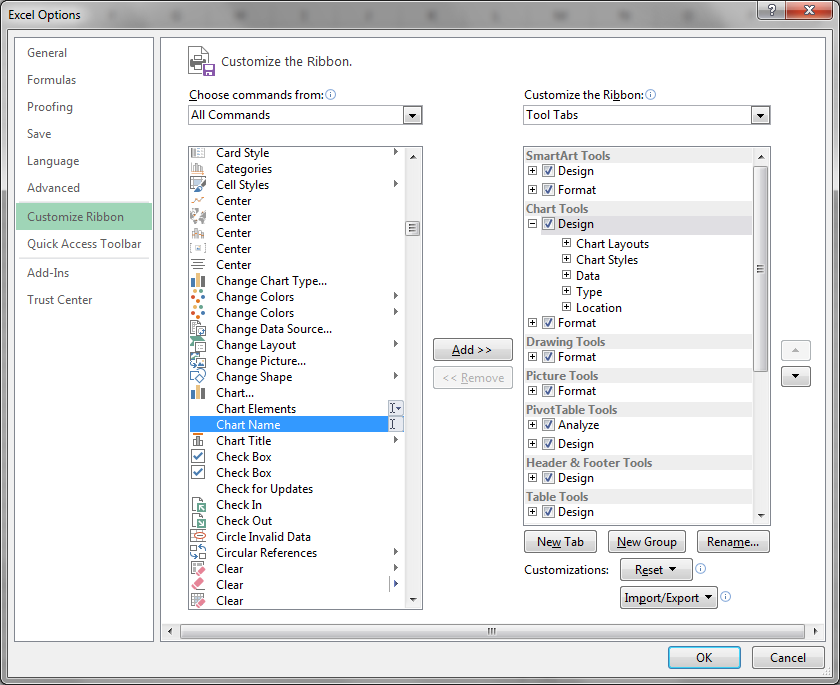
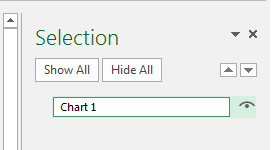
You can then select the name and use F2 to edit name.
Finally you can change the chart object name using VBA code.
ActiveChart.Parent.Name = "MyChartname"











