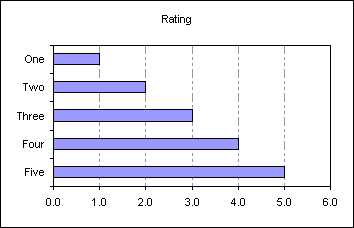
Create a standard bar chart based on the data in A1:B6
A
B
1
Rating
2
One
1.0
3
Two
2.0
4
Three
3.0
5
Four
4.0
6
Five
5.0
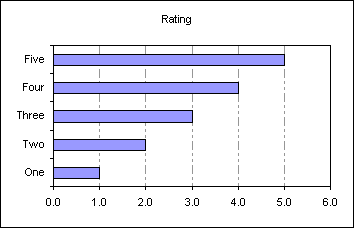
To reverse the order of the category labels so they appear
in the same order as the data double click the Y
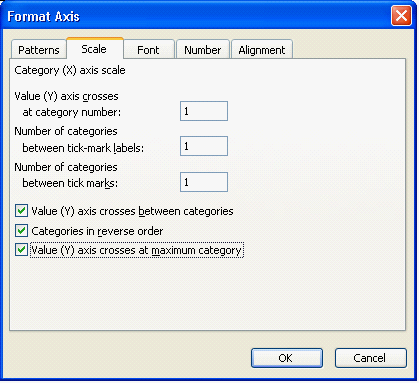
(category) axis to display the Format Axis dialog
Select 'Categories in reverse order' AND 'Value (Y) axis crosses at maximum category'
 AJP Excel Information