AJP Excel Information
VBA Coding
VBA coding techniques, solutions and examples
Icon Viewer
VBA code to create searchable mso icon viewer
More ...
Rollover image magnifier
VBA code to create rollover image viewer
More ...
Control events handler
VBA code to handle events via class objects
More ...
Ribbon Editor Add-In
VBA add-in with which to create ribbonx code for both 2007 and 2010. 64-bit version available
More ...
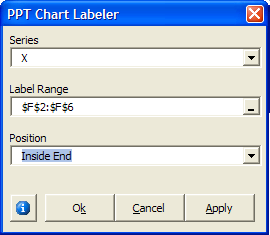
Chart Labeler Add-in
Powerpoint Add-in to link chart data labels to cells.
More ...
Chart Text Mover
VBA Add-in to move chart text items. There is versions of the add-in for PowerPoint and Excel
More ...
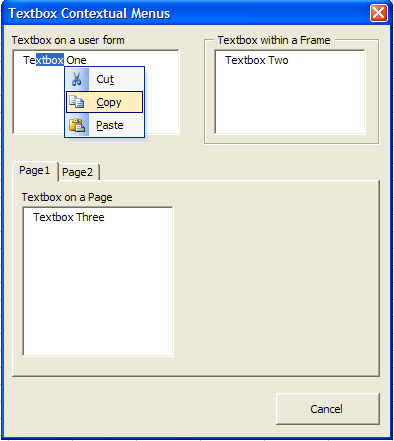
Userform contextual menus
A class object to add a Contextual Menu to textboxes
More ...
Ribbon editor Add-in
VBA add-in with which to create ribbonx code
More ...
Axis labels using textboxes
VBA code to add and align textboxes in place of Axis labels
More ...
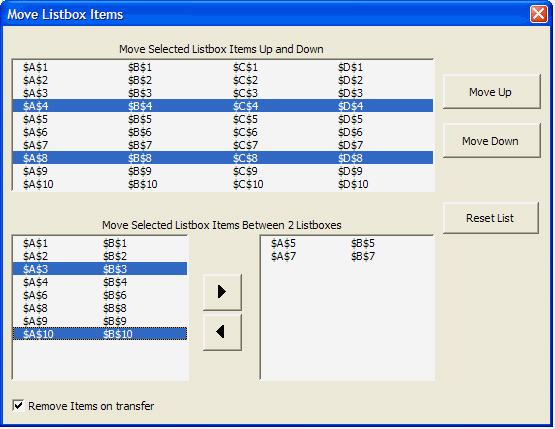
Listbox move items class
A class object to handle moving list items either up and down or between two listboxes
More ...
Userform clock
The hands are adjusted by moving the mouse over the dial
More ...
Anchor control on resizing userform
A class to dynamically resize controls and userform using user
More ...
Userform splitter class
A class to dynamically add splitter controls to userform
More ...
Resize userform
resizing handle to userform without the use of APIs
More ...
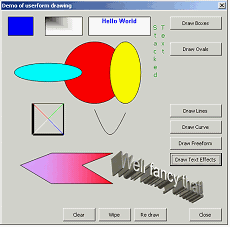
Userform drawing
Drawing shapes on a user form
More ...
Progress meters
A collection of progress meters
More ...
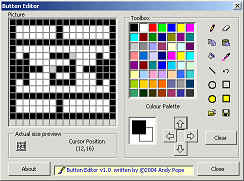
Button Editor
An add-in for creating button images
More ...
Graphics exporter
Add-in for exporting items in your workbook to graphics files.
More ...
Coloured dropdown
Class to emulate colour enabled dropdown list control
More ...
Hierarchical listbox
Class to turn a list box into a treeview
More ...
What's this help
Class to emulate What's This help on a userform
More ...
Created August 2004
Last updated 12th February 2022
Microsoft® and Microsoft® Excel are registered trademarks of the Microsoft Corporation.
andypope.info is not associated with Microsoft. Copyright ©2007-2016 Andy Pope

 AJP Excel Information